User Login Guide
Sign in to your CloudCanvas account to access your architectures and projects
⚠️Prerequisites
Before you can sign in, make sure you have already created a CloudCanvas account.
Navigate to Sign In Page
Open your web browser and go to http://20.244.34.249:3000/signin or click the "Sign In" button from the homepage.
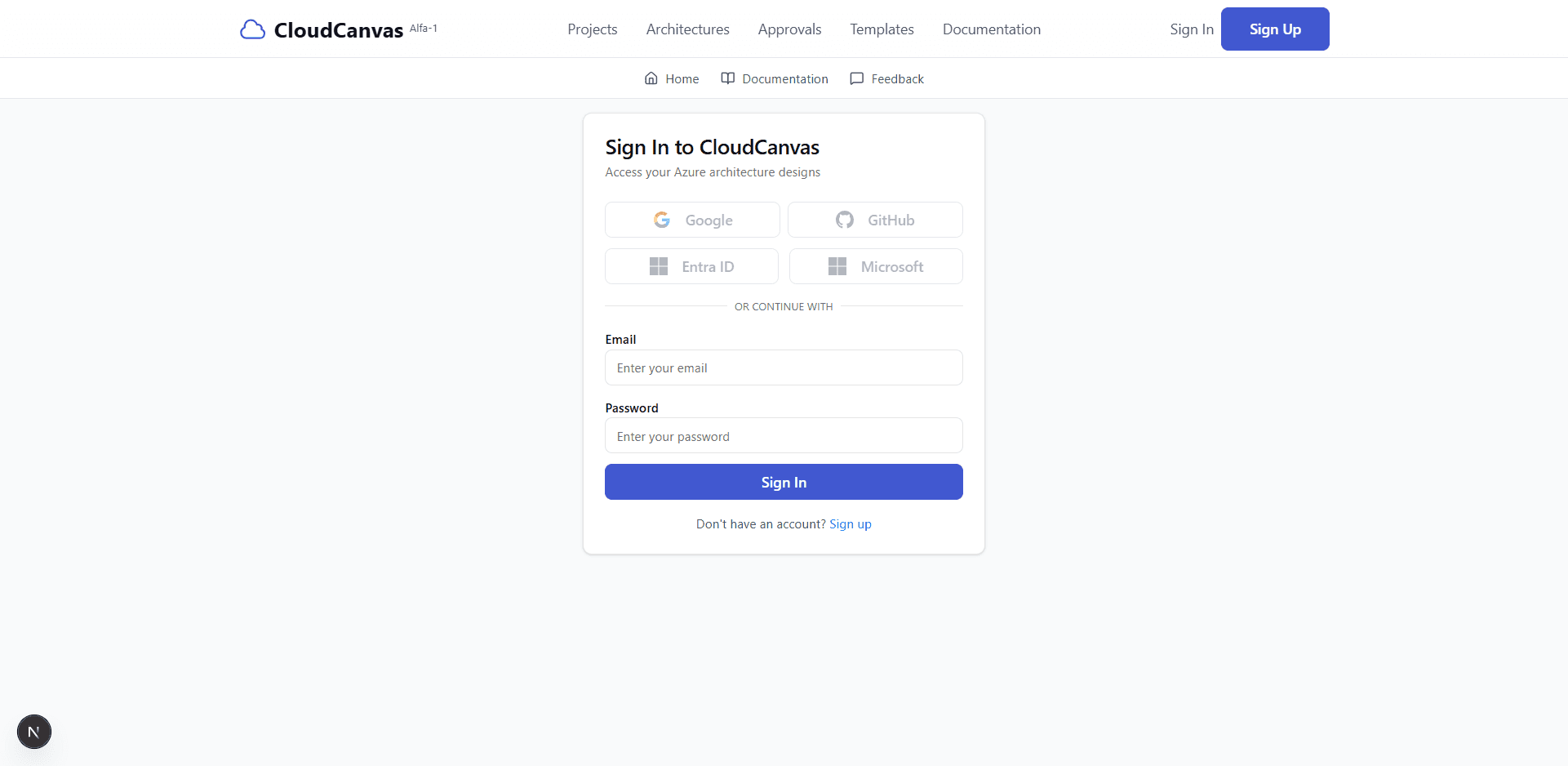
CloudCanvas sign-in page
Enter Your Credentials
Fill in your login credentials:
- Email: Enter the email address you used during registration
- Password: Enter your account password
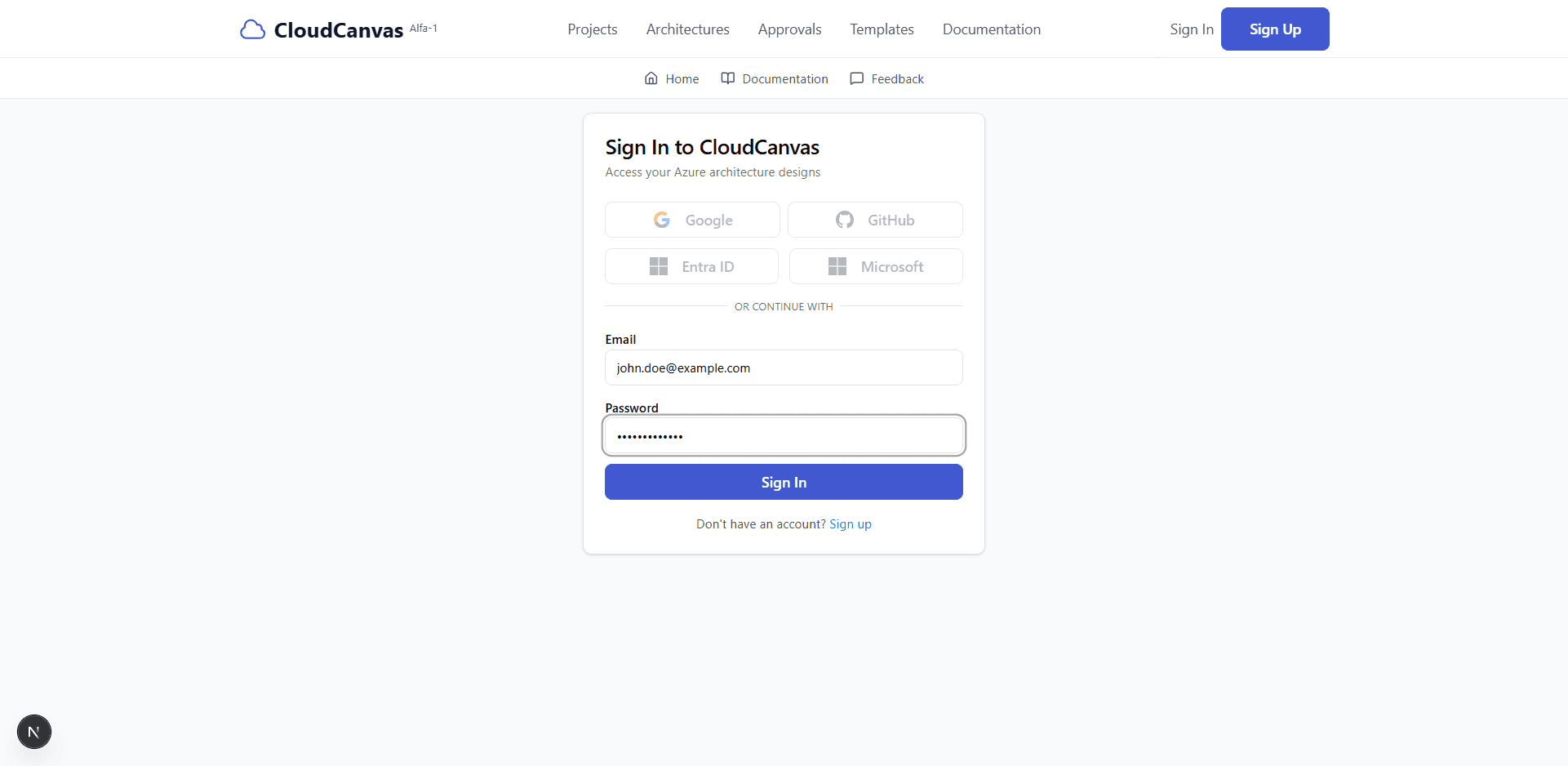
Sign-in form with credentials filled in
Click Sign In
Click the "Sign In" button to authenticate and access your account.
💡 Tip: Make sure your email and password are correct. If you've forgotten your password, contact your system administrator.
Welcome to CloudCanvas!
After successful authentication, you'll be redirected to the Architecture Designer dashboard where you can:
- Create new cloud architectures
- Manage your existing projects
- Browse architecture templates
- Generate Terraform code
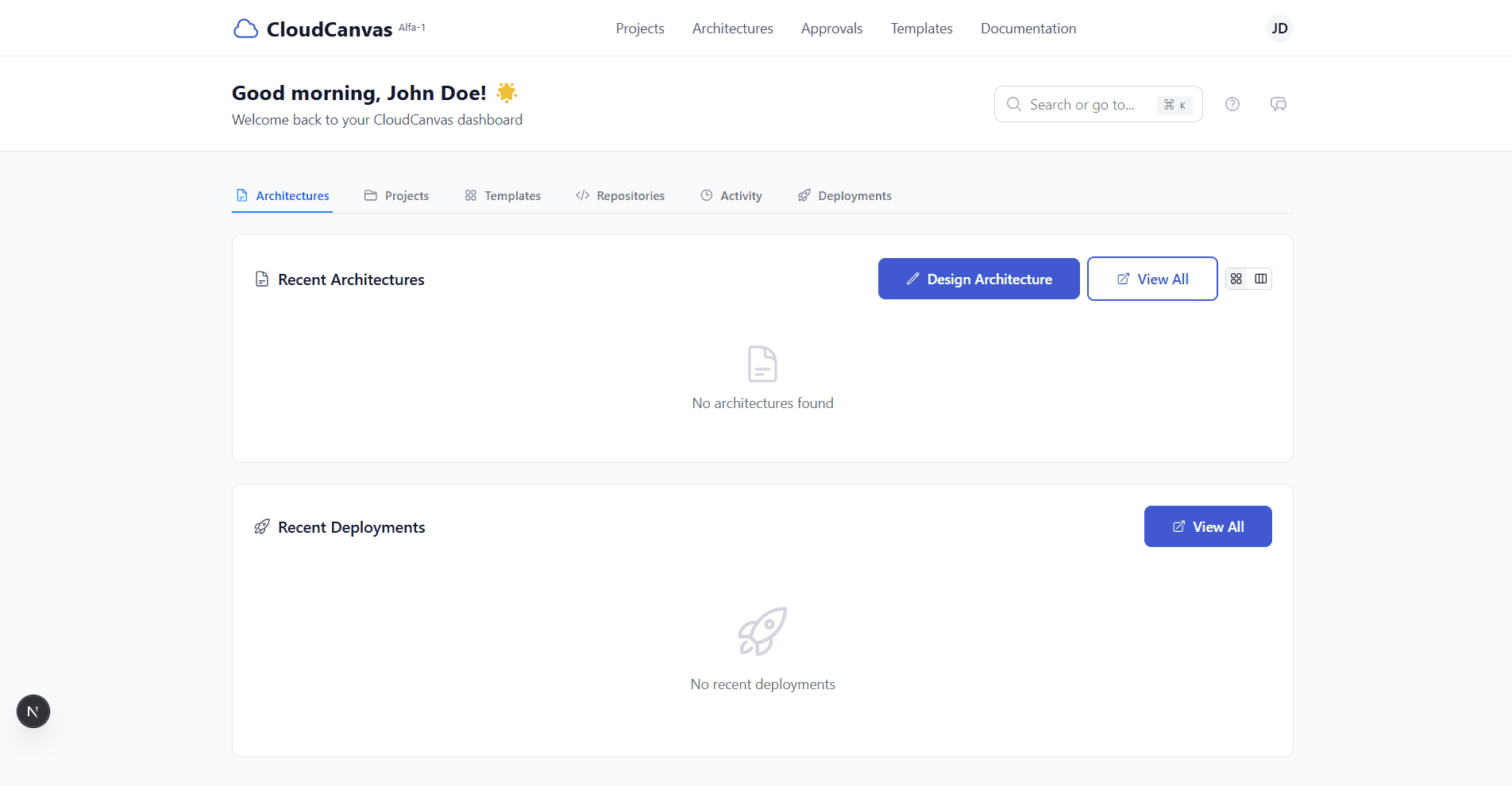
Architecture Designer dashboard - your starting point
🔧Troubleshooting
Invalid credentials error?
Double-check that you're using the correct email and password. Passwords are case-sensitive.
Don't have an account yet?
Follow our registration guide to create a new account.
Forgot your password?
Please contact your system administrator to reset your password.
🚀 Ready to Build?
Now that you're signed in, explore the powerful features CloudCanvas has to offer!