User Registration Guide
Follow these simple steps to create your CloudCanvas account
📅 Last updated: October 1, 2025⏱️ 2 min read
1
Navigate to CloudCanvas Homepage
Open your web browser and navigate to http://20.244.34.249:3000

CloudCanvas homepage with Sign Up button
2
Click on "Sign Up"
Click the "Sign Up" button located in the top-right corner of the navigation bar.
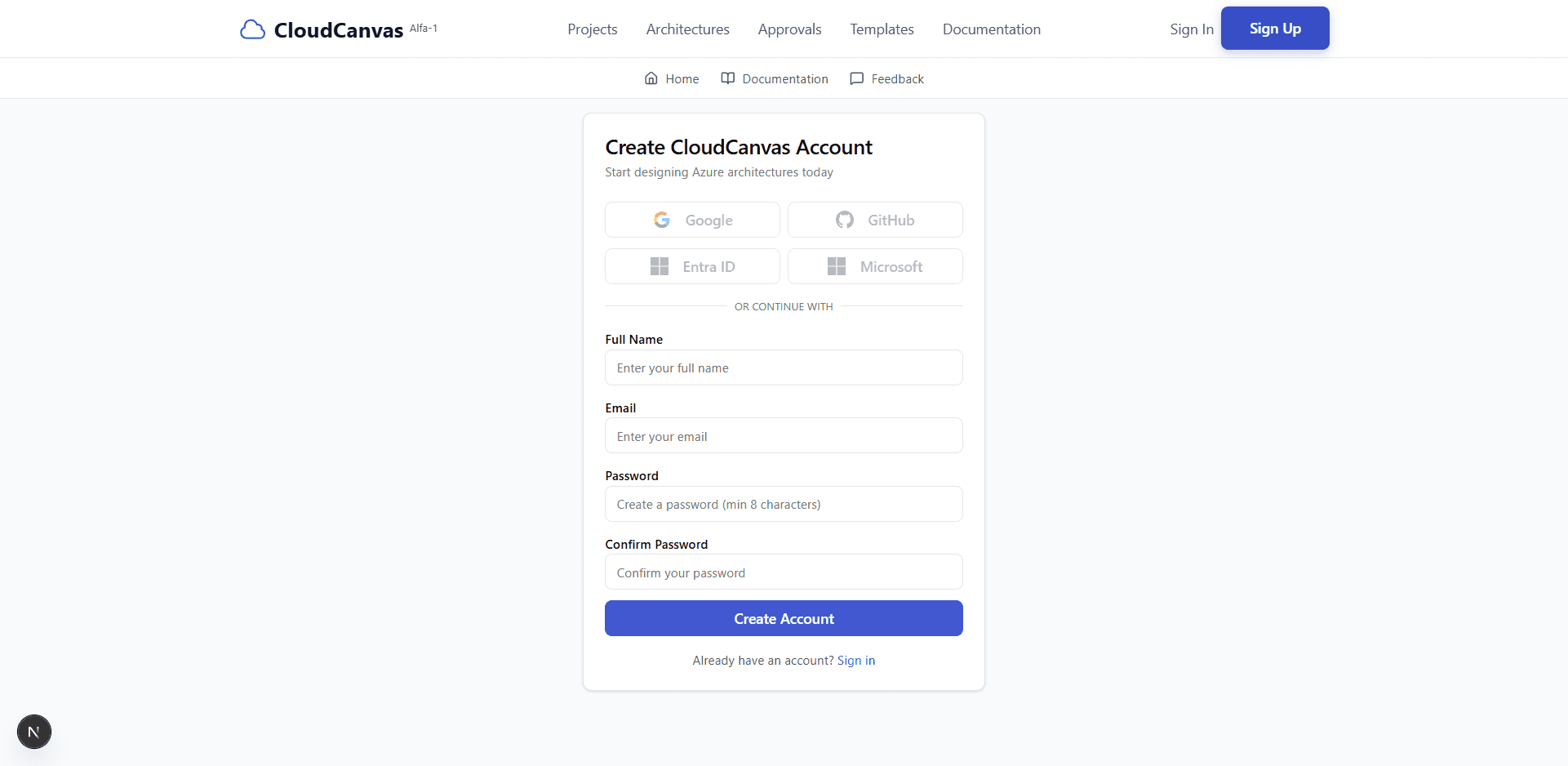
Registration form with all required fields
3
Fill in Registration Details
Complete the registration form with the following information:
- Full Name: Enter your complete name (e.g., John Doe)
- Email: Provide a valid email address (e.g., john.doe@example.com)
- Password: Create a secure password (minimum 8 characters)
- Confirm Password: Re-enter your password to confirm
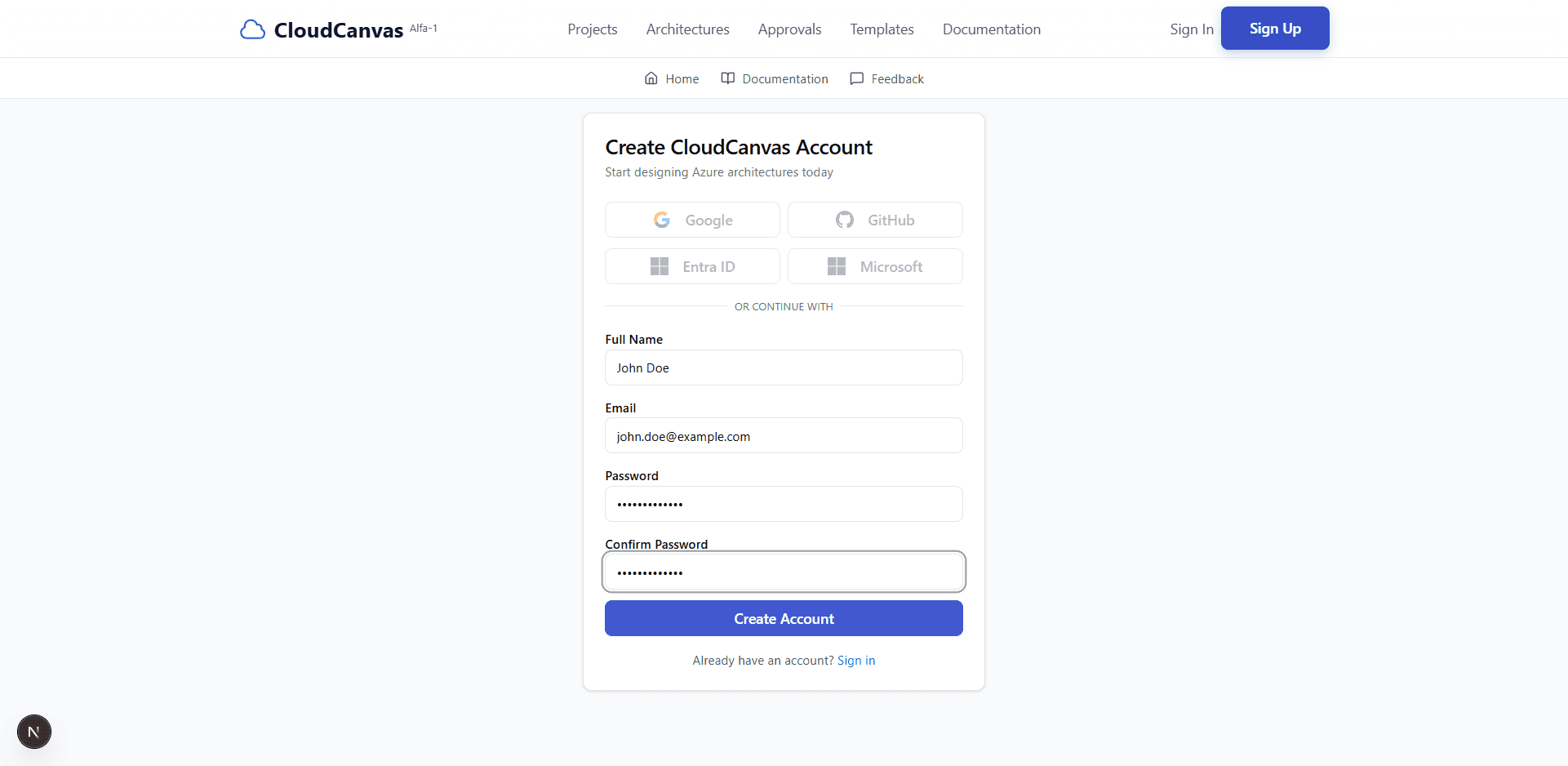
Registration form with all fields filled in
4
Submit Registration
Click the "Create Account" button to submit your registration.
5
Registration Success!
You will see a success message confirming your account creation. The system will automatically redirect you to the sign-in page.
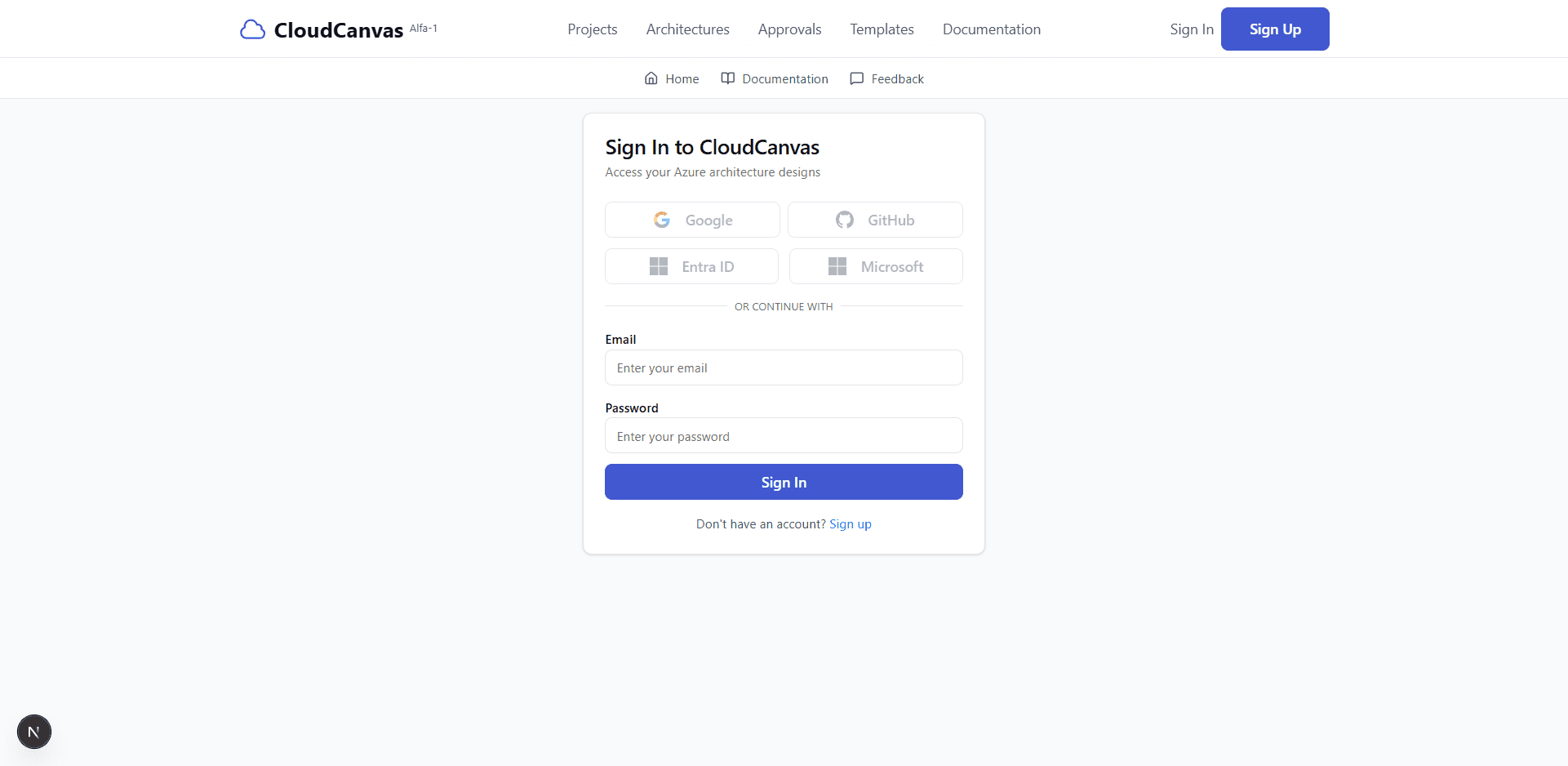
Success message after account creation
🎉 What's Next?
Now that you've successfully created your account, you can proceed to sign in and start using CloudCanvas!
Continue to Login Guide